Couldn't load pickup availability
💰 180-day money-back guarantee

Qavunexi™ LumaEtch Studio
Enclosed Desktop Laser Engraving System
Give Your Designs a Place on the Surface
Create detailed patterns and personalized graphics on approved wood, paperboard, and compatible coated materials.
LumaEtch Studio brings camera-assisted positioning, autofocus, a rotary-accessory connection, a lid interlock, and an exhaust interface into one enclosed desktop system.
From a single personalized piece to a coordinated creative collection.
Detail That Belongs to Your Work
A botanical design on a wooden lid. A name on a compatible coated tumbler. A recurring motif across a collection.
LumaEtch Studio helps turn prepared artwork into engraved surface detail, giving small objects a more individual character.
Choose an approved material, test the settings, and refine the result before continuing the project.
Your Engraving Workflow, Brought Together
-
Laser engraving — Apply supported designs to approved surfaces.
-
Camera-assisted positioning — Preview artwork relative to the workpiece.
-
Autofocus — Establish focus for supported material setups.
-
Rotary-accessory interface — Expand into suitable cylindrical projects.
-
Lid interlock — Interrupt laser operation when the lid is opened.
-
Exhaust connection — Connect the required fume-management system.
Position the Artwork with a Clearer View
See the workpiece before you begin.
The camera provides a view of the working area to help arrange a design relative to the material.
Adjust the scale, orientation, and placement, then verify the boundary using the supported checking procedure.
Calibrate and check positioning as instructed, particularly after changing material height or the working setup.
Establish Focus for the Surface
Autofocus supports setup across the machine’s approved material-height range.
Prepare a stable workpiece, check the sensing area, and follow the focusing procedure before starting.
Correct focus is one part of a considered result—alongside material selection, artwork, and engraving settings.
Extend the Design Around a Cylinder
Connect a compatible rotary accessory to prepare supported cylindrical workpieces.
Set the diameter, secure the object, and check clearance and rotation before engraving.
Use only approved shapes, coatings, and dimensions. Rotary accessory availability depends on the selected configuration.
One Collection. Flat and Cylindrical Pieces.
Develop related designs across suitable flat surfaces and supported rotary projects.
Adapt the layout to each object, keeping a shared motif while adjusting the scale and proportions.
A coordinated collection can bring wooden panels, presentation pieces, and approved coated cylinders into the same visual story.
An Enclosed Process with Connected Extraction
Lid Interlock
The interlock is designed to interrupt laser operation when the lid is opened. Keep the enclosure closed during engraving and never bypass the interlock.
Exhaust Interface
Connect the specified extraction or filtration arrangement before operation. The enclosure does not replace fume management.
Use only expressly approved materials. Do not engrave PVC, vinyl, or unidentified plastics, and remain present during operation.
Refine a Piece. Develop a Series.
Create a sample, inspect the detail, and record the settings that suit the material.
Use that tested setup as a starting point for related pieces, checking placement and surface condition each time.
Personalization becomes more considered when the process is documented.
Results vary with material composition, coatings, preparation, and operating settings.
From Artwork to Engraved Object
-
Prepare supported artwork.
-
Confirm that the material is approved for the system.
-
Secure the workpiece and connect extraction.
-
Check camera positioning and establish focus.
-
Select tested settings and verify the design boundary.
-
Close the lid and supervise the engraving process.
-
Allow the required clearance and cooling time before inspection.
This workflow covers engraving. Any cutting operation requires separate confirmation of machine capability and approved material limits.
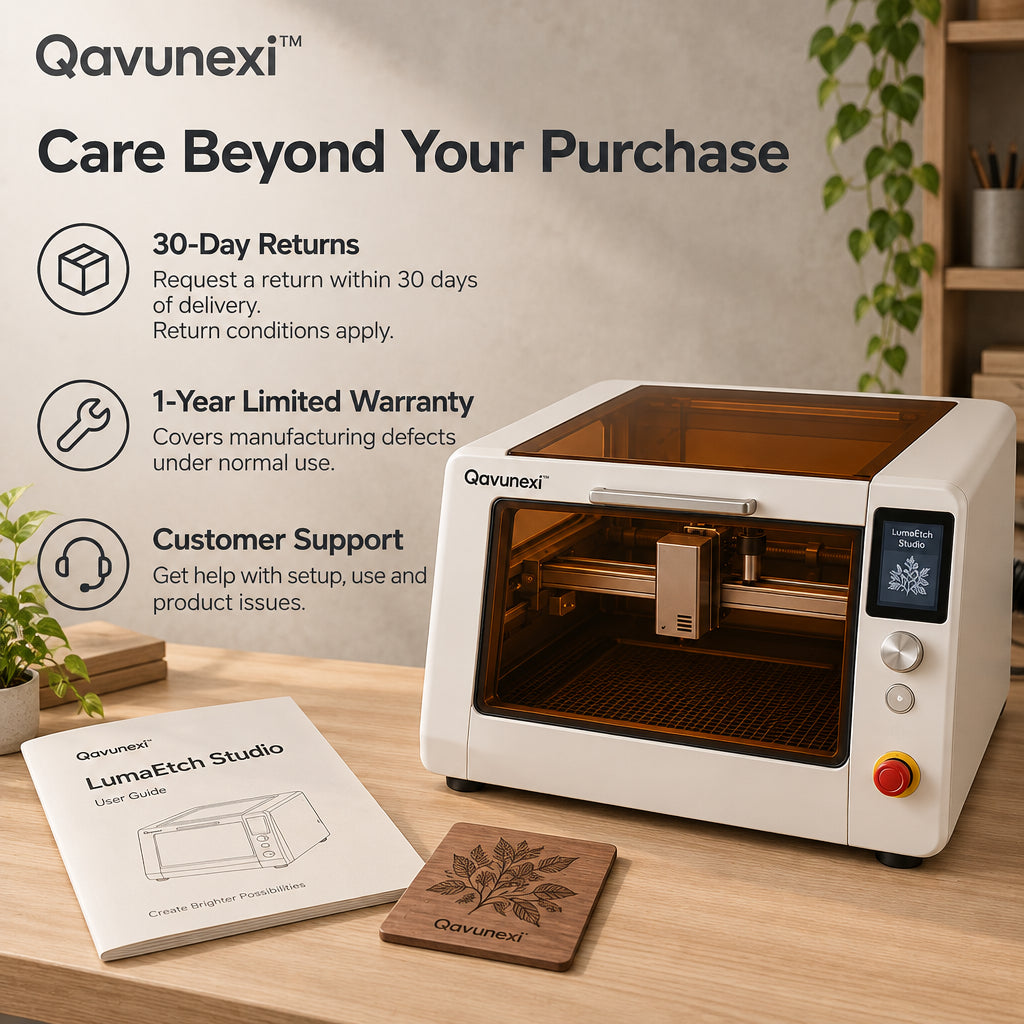
Care Beyond Your Purchase
Keep the operating instructions, material approvals, and maintenance schedule available for everyday use.
Return conditions and warranty coverage follow the store’s published policies.
Put Your Next Design on Something Worth Keeping.
Create your next engraved collection with Qavunexi™ LumaEtch Studio.