Couldn't load pickup availability
💰 180-day money-back guarantee

Qavunexi™ ScreenLayer Atelier
Precision Multi-Color Screen Printing Workstation
Precision Registration for Layered Prints
Create small-batch artwork, printed canvas goods, and decorative paper pieces through a hands-on screen printing process.
ScreenLayer Atelier combines micro-adjustable registration, quick-change screen mounting, vacuum positioning, a guided squeegee path, and backlit alignment.
Build the image one layer at a time.
From Screen to Limited Edition
An art print developed in a few considered colors. A canvas bag carrying your own graphic. A coordinated set of printed cards.
ScreenLayer Atelier organizes the positioning and printing stages behind these pieces, while keeping ink selection and each printing pass in your hands.
Prepare the screens, establish registration, and explore how the layers work together.
Your Layered Printing Essentials
-
Micro-adjustable registration — Refine screen position between layers.
-
Quick-change mounting — Exchange compatible screen frames.
-
Vacuum positioning table — Help hold suitable flat substrates.
-
Backlit alignment — Provide a visual reference for supported layouts.
-
Guided squeegee path — Support a controlled manual printing stroke.
-
Repeatable frame references — Help return to established setups.
Micro-Adjust Every Layer
Small adjustments shape the whole image.
Use the registration controls to refine the relationship between a screen and the printed reference.
Check alignment marks, inspect a proof, and adjust before continuing the run.
This is especially useful when colors meet at an edge or overlap to create another shade.
Position the Substrate. Check the Layout.
Vacuum hold-down helps position compatible flat stock during preparation and printing.
Backlighting provides an additional visual reference where the material and layout allow it.
Use a holding method appropriate to the substrate. Porous textiles and irregular items may need additional fixtures or preparation.
Change the Screen. Continue the Sequence.
Quick-change clamps make exchanging supported screen frames part of an organized multi-color workflow.
Keep registration references and setup notes for each layer, then check a proof after remounting.
Prepared screens, mesh selection, and stencil quality remain essential to the finished print.
Guide the Stroke
The squeegee guide supports a defined path as you draw ink across the screen by hand.
Develop a suitable combination of angle, pressure, and speed for your ink, mesh, and substrate.
A deliberate stroke helps you learn the process—and refine the next print.
Experiment with Overlapping Shades
Layer opaque colors for graphic contrast, or explore compatible translucent inks to create additional tones where shapes overlap.
Save your color order and registration notes to give future batches a useful starting point.
Allow each layer to dry or cure as required before the next pass.
Print Your Ideas Across a Collection
Art Prints
Develop editions with selected color palettes and layered compositions.
Canvas Goods
Apply suitable designs to properly supported fabric items using compatible textile inks.
Paper and Packaging
Create coordinated cards, tags, and flat packaging elements within the supported working area.
Ink suitability and curing requirements vary by material.
From Artwork to Printed Edition
-
Separate the artwork into the required color layers.
-
Prepare compatible screens and choose suitable inks.
-
Position the substrate and align the first screen.
-
Make a proof and refine registration.
-
Print each layer, observing the required drying or curing stages.
-
Clean the screens and workstation according to the material instructions.
Screen preparation and final curing may require separate equipment and supplies.
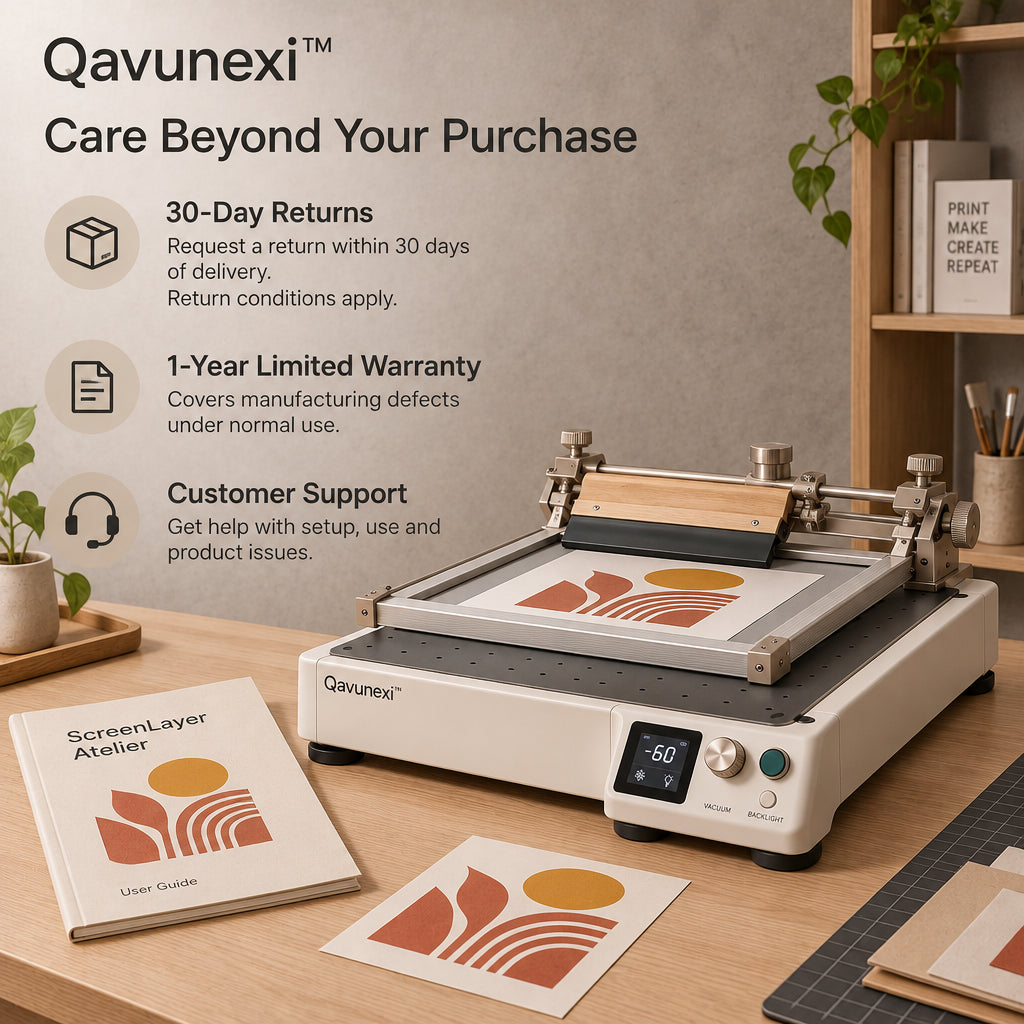
Care Beyond Your Purchase
Keep your operating instructions, registration notes, and ink records available for future editions.
Return conditions and warranty coverage follow the store’s published policies.
Give Every Layer a Purpose.
Create your next small edition with Qavunexi™ ScreenLayer Atelier.